
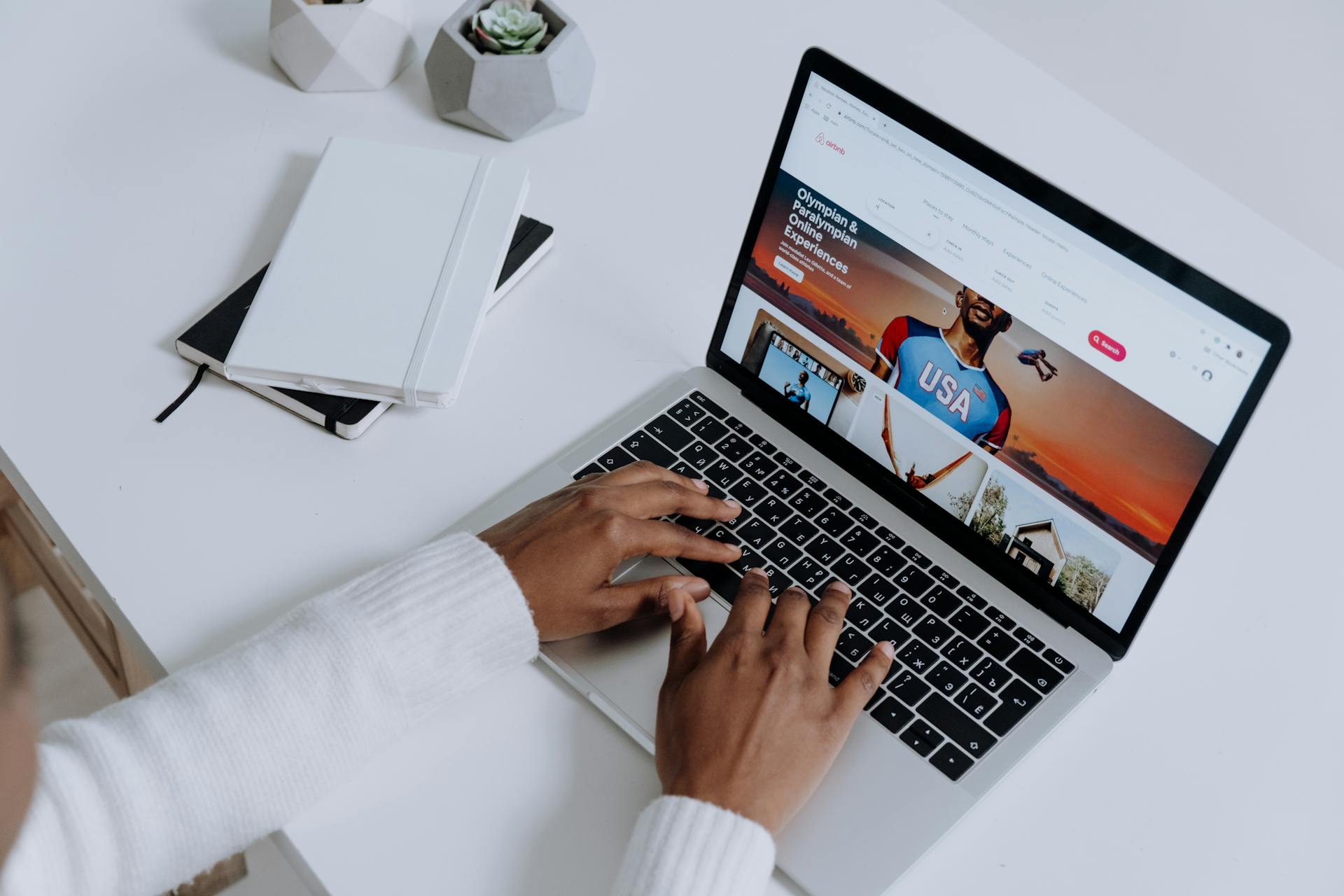
One second, people land on your homepage, the next second, they’re backing out fast. People judge websites in milliseconds. Wild, right? They do not sit there with clipboards scoring your typography like art critics. Their brains react emotionally first, which is why many businesses turn to a marketing agency Sunshine Coast brands trust to create websites that feel professional and credible from the first glance. If your website feels cluttered, outdated, or chaotic, visitors assume your service might be the same. That reaction happens before they even read your headline.
The Colors Might Be Saying the Wrong Thing
 Color psychology is sneaky stuff. Dark gray can look premium on one site and depressing on another. Bright red can create urgency, but too much of it makes people feel like they are trapped in a clearance sale from 2007. Your brain connects colors with emotion before logic joins the party. A fitness coach using pale corporate blues may accidentally look boring. A law firm with neon orange buttons can feel unserious. Small choices shift how people view your brand.
The Clutter Makes Visitors Feel Nervous
Some websites throw everything at the screen like a garage sale after three cups of coffee. Pop-ups appear instantly. Videos auto-play. Tiny banners fight for attention in every corner. Customers freeze because their brains cannot decide where to focus. Good design guides the eye naturally. White space matters more than people think. A clean layout helps visitors feel calm and confident. It works like a tidy kitchen in a restaurant. If the front looks organized, people assume the back is too.
The Slow Loading Pages Kill Trust Fast
Nobody enjoys waiting for a website that loads slower than airport luggage. Visitors often interpret sluggish performance as a warning sign. They wonder if the checkout is secure or if the business still updates its systems. That hesitation hurts conversions hard. Professional developers often compress images, use caching systems, and reduce unnecessary scripts to improve speed. Those details sound nerdy, but they shape customer confidence. Fast websites feel modern. Slow ones feel abandoned, like a shopping mall with one lonely pretzel stand left alive.
The Fonts and Images Create Instant Assumptions
Fonts carry personality. Thin, elegant lettering may suit luxury skincare, but it looks ridiculous on a plumbing service. Tiny text also frustrates mobile users. If people need to squint like pirates reading a treasure map, they are gone. Photos matter too. Cheap stock images damage credibility faster than most businesses realize. Visitors can smell fake smiles from miles away. Real photos of your staff, products, or workspace feel warmer and more believable. Authentic visuals quietly build comfort

Professional Help Can Save You From Expensive Mistakes
A lot of business owners build websites alone at 1 a.m. after watching two tutorial videos and surviving on iced coffee. Respect the hustle, but strategy matters. Professional designers understand user behavior, page flow, mobile optimization, and conversion psychology. They build sites that guide visitors instead of confusing them. The best websites balance beauty with function. They know where buttons should sit, how headlines should flow, and why certain layouts keep people engaged longer. Getting expert help can stop costly redesigns later. It also saves you from creating a homepage that accidentally feels like a suspicious online casino from 2004.…

 IT services were once treated like plumbing: essential, but mostly invisible unless something broke. That perception has shifted dramatically. In many organizations, IT services now shape how fast teams can move, how safely data is handled, and how confidently leaders can adopt new tools. When companies rely on providers like













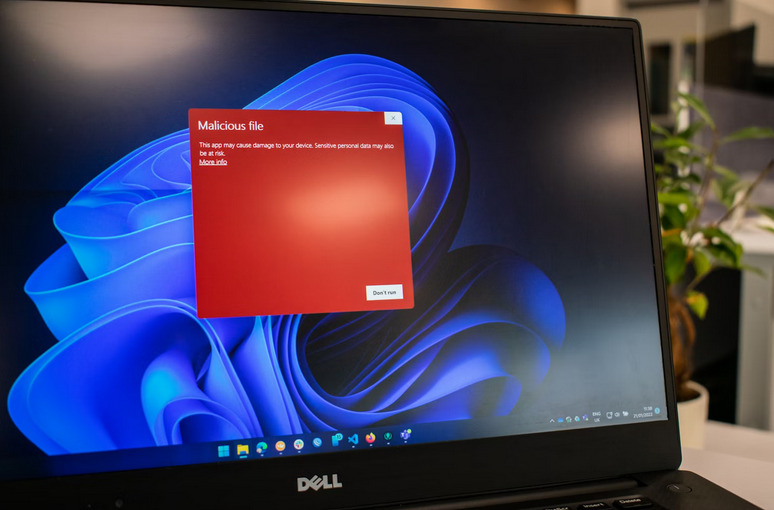
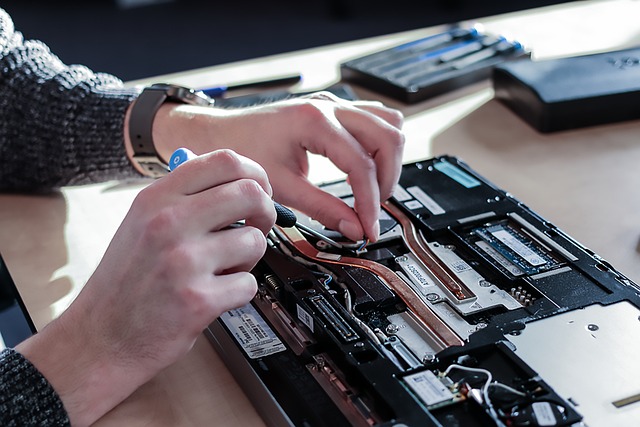
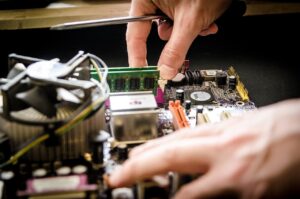 One of the first things to do when facing computer hardware issues is to check all the connections. Start by ensuring that all cables are securely plugged into their respective ports. Sometimes, a loose connection can cause malfunctions or poor performance. Inspect the power cable, monitor cable, keyboard, mouse, and other peripherals connected to your computer. Make sure they are not damaged or frayed. It’s also essential to check the internal connections, such as RAM sticks and hard drive cables inside the computer casing.
 Testing components is crucial when troubleshooting computer
 Before embarking on the search for a data desktop support service, it is vital to evaluate your specific business needs. Consider what level of support you require, the size of your organization, the complexity of your data systems, and the scale of your operations. Understanding your unique needs will assist you in narrowing down potential service providers that align with your business goals.

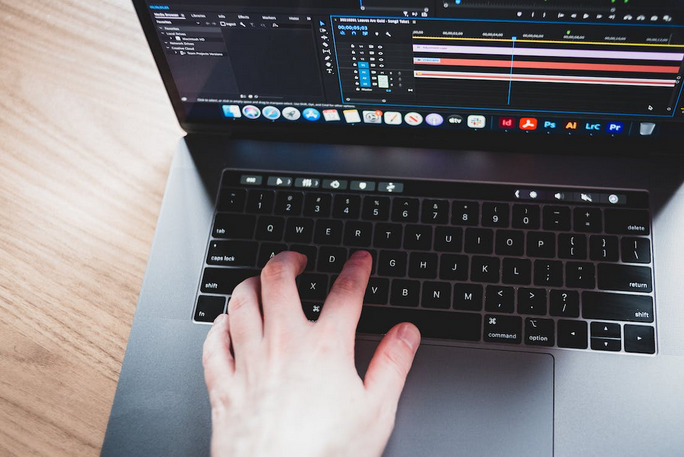




 With the advent of automated editing tools such as Grammarly and ProWritingAid, authors no longer need editors to ensure their work is error-free. This has helped authors save time and money while improving the quality of their writing.
 One of the best ways to stay safe on public Wi-Fi networks is to use a VPN. A VPN, or virtual private network, usually encrypts your traffic, routing it through a server in a different location. This makes it much more difficult for attackers to snoop on your traffic or injects malicious code into your device. There are many VPN providers to choose from, and some are even free. Please do your research before selecting a VPN provider, as not all of them are created equal.
 If your device has file sharing enabled, it can be accessed by anyone on the same network. An attacker could potentially access your files or even your entire computer. To stay safe, be sure to disable file sharing when you’re connected to a public Wi-Fi network.
 Another way Instagram uses big data and AI is to learn about the human condition. Understanding how people interact with the platform can teach them a lot about what they want and need. For example, they may use data to understand why people unfollow other users or how often people check their feeds. The more they understand the human condition, the better they can design the platform to meet people’s needs.
 Last but not least, Instagram also uses big data and AI to protect users from offensive content and cyberbullying. By understanding how people interact with the platform, they can flag inappropriate comments or posts. For example, they may use data to understand which words are most often used in offensive comments and then block those words from being used. Or, they may use data to understand which users are most often involved in cyberbullying and then take action to protect other users.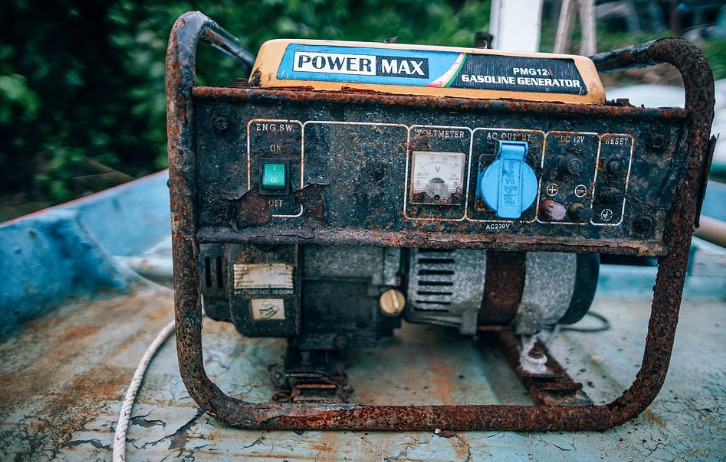
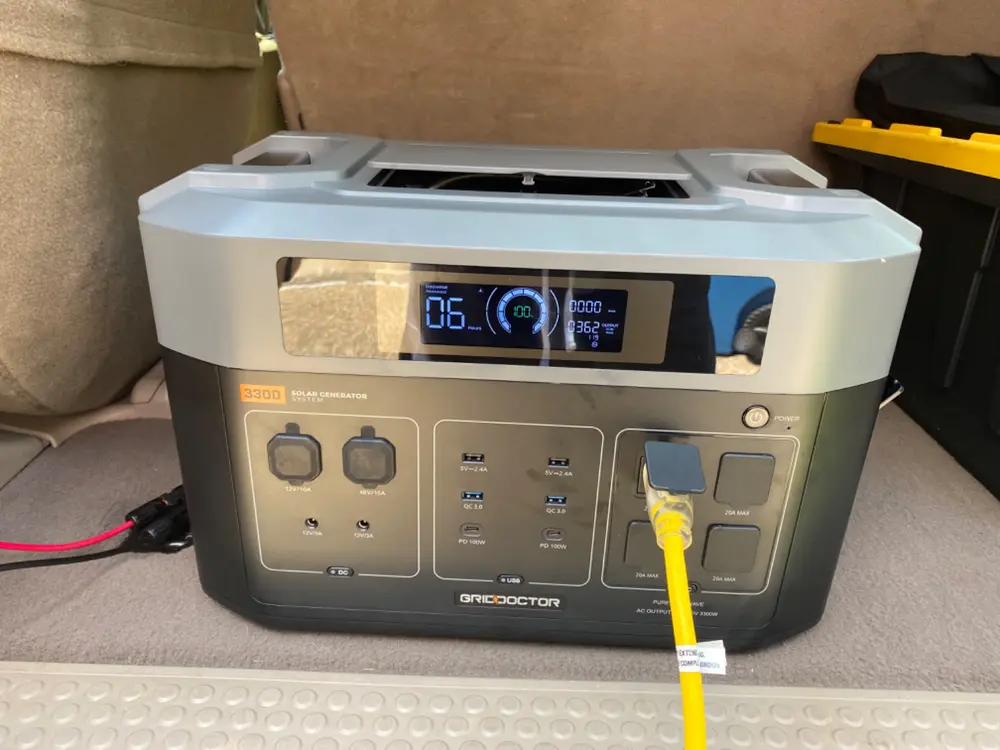
 The generator size you need depends on how much power you want it to provide. A small portable generator will suffice if you only need it to power a few essentials. However, if you need it to power your entire home, you’ll need a larger standby generator. To determine the size of the generator you need, you’ll need to know the wattage of the appliances and devices you want to power.
 Have you ever had that mini heart attack when you reach in to grab your phone in your pocket or purse, but it’s not there? You frantically search the room, but it’s nowhere to be found. Panic sets in, and you’re not sure what to do next. Well, with phone tracking technology, this never has to happen again! You can easily locate your device if it ever goes missing by logging into a secure online account from any computer or mobile device.
 It can be a significant source of stress when you have to spend the day away from your kids or loved ones for business or other reasons. You want them to know that they’re in good hands, but at the same time, it’s always nice to check up on them every once in and while. With phone tracking technology, this is now possible.
 Many times, the same product can have different reviews from different sources. It is because everyone has a different opinion, and what might be suitable for one person might not be good for another. Try to read reviews from reputable websites and people who have first-hand experience with the product. You’ll get a better idea of the product’s worth from reading different reviews.
 When reading tech reviews, it’s essential to be skeptical of overly positive or negative reviews. Some people might be biased for one reason or another and not accurately represent the product. Remember that everyone has a different opinion, so try not to take anyone’s review too seriously. Remember that all opinions are subjective, so don’t read into overly positive or negative tech reviews too much. I hope this article is insightful.…
 Everyone has their own needs when using the best file hosting service. So, the first step to selecting the best service is to evaluate what you need. What are your must-haves? Do you need a lot of storage space, or are you looking for something easy to use? Once you know what you’re looking for, it’ll be easier to find a file hosting service that meets your needs. If you’re looking for a free service, look at Google Drive or DropBox. These two services offer a lot of storage space and are very user-friendly. However, they’re not perfect and have a lot of limitations.
 The first reason you should consider hiring a stub maker is that they are experienced professionals. They have years of experience working with different materials to create the perfect product for your event or business.
 You should also consider hiring a pay stub maker who has the skills to create a product that will meet your needs. If you want them to be able to have some flexibility with their schedule, they should also have experience creating different types of pay stubs and other documents. Most companies who make pay stubs will have proven experience in the industry, so you should look for companies that can provide references from previous clients.
 Most pay stub-making services tend to be reliable, punctual, and trustworthy. This is because they have an excellent reputation to uphold. They also understand the importance of meeting deadlines. As a result, you can trust them to get the job done right, on time, and without drama. You can find a good stub maker by doing a quick online search. Ensure you choose one who has proved to be reliable and punctual to ensure that you have a good experience hiring them.
 With other courses, you may need to sit down read, understand, and memorize if it is needed. This cannot be the case with math courses. Although, you also need to memorize formulas, going over problems that were presented in class can be the way of reviewing. If you do not get the real picture, you will get confused if the question is altered. You have to do more practice solving more problems than just reviewing.
 Some students complain that they listen in class and study their math subjects but still find the subject difficult. This must be because of your study habits. Instead of studying your lesson before a quiz or exams, make it a daily habit to go over the lesson you had for the day. This is helpful as the explanations in class by your teacher are still fresh in your mind.…
 It is necessary to consider the reputation of a VoIP provider. While it might be difficult to separate valid from spam reviews, it is worth investigating people’s general opinions on the company. Consider how many subscribers they have. Generally, when a provider has many users, they are trusted to provide secure and reliable services. Also, brands that trust the VoIP provider for communication are necessary since big companies sign up for the best services.
 If VoIP is the primary method of communication with your clients, prospects, and team members, it needs timely customer support. During third-party integrations and initial setup, a VoIP might experience problems. Dedicated customer support should be available 24/7 to address emerging issues. Even after deploying the service, you will need help with upgrading, maintenance, or during breakdowns.
 Copyright management is an important asset. There are different roles that are assigned to control the access of assets. In this way, you can determine what each user can view and do. Moreover, the system helps manage license agreements. This means that the photos become hidden whenever the license does expire. In this way, you can be assured of protection against copyright-infringement cases.
 on the workload that you have, you would not have a bad keyboard. Furthermore, you do not want to purchase a manual that packs in every key or have squished number pads because it will translate to poor user experience like looking for arrow or delete keys. Similarly, a keyboard should have a comfortable layout with ordinary keys and enough space around the keys to give adequate travel on the down-stroke and ratty responsiveness when let go. Additionally, ensure the keyboard has a backlit for easy viewing in a dimly lit environment. During selection, hunt for quality products to avoid many difficulties when carrying tasks.
 The first step on improving safety is by using different e-mail accounts. You do not have to use the same e-mail account for social media and work. Learn how to separate the e-mail accounts so that you can reduce the risk.

 This is the engine of the computer and it ensures that all the programs you open run smoothly without any problems. Picking on the wrong one will cause you functionality problems. If you are going to engage your laptop in some simple tasks, look for one with a dual-core processor. Intel Pentium/Celeron and Intel Xeon may do the work but will not be that effective. But if you are determined to work on some task like video editing, watching gaming and other heavy tasks, then think of Intel Core i3, i5 or i7. They will do all the work without hustle.